Your whole professional self, in one tap.
One professional identity. Tap, scan, or send — never run out of cards again. Setup takes less than 2 minutes.
Free forever, no credit card required.
Your profile: cards.toollix.app/yourname
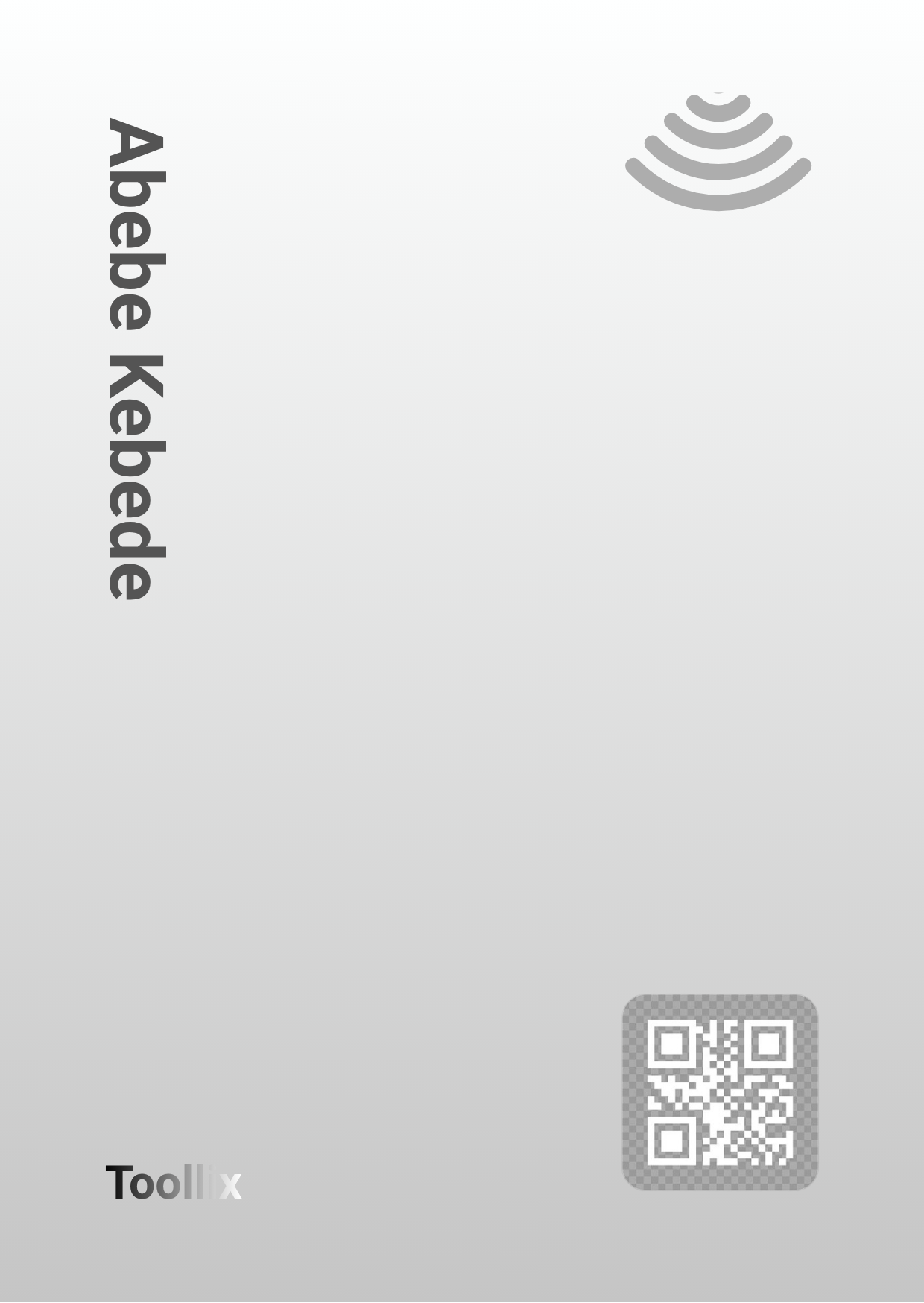
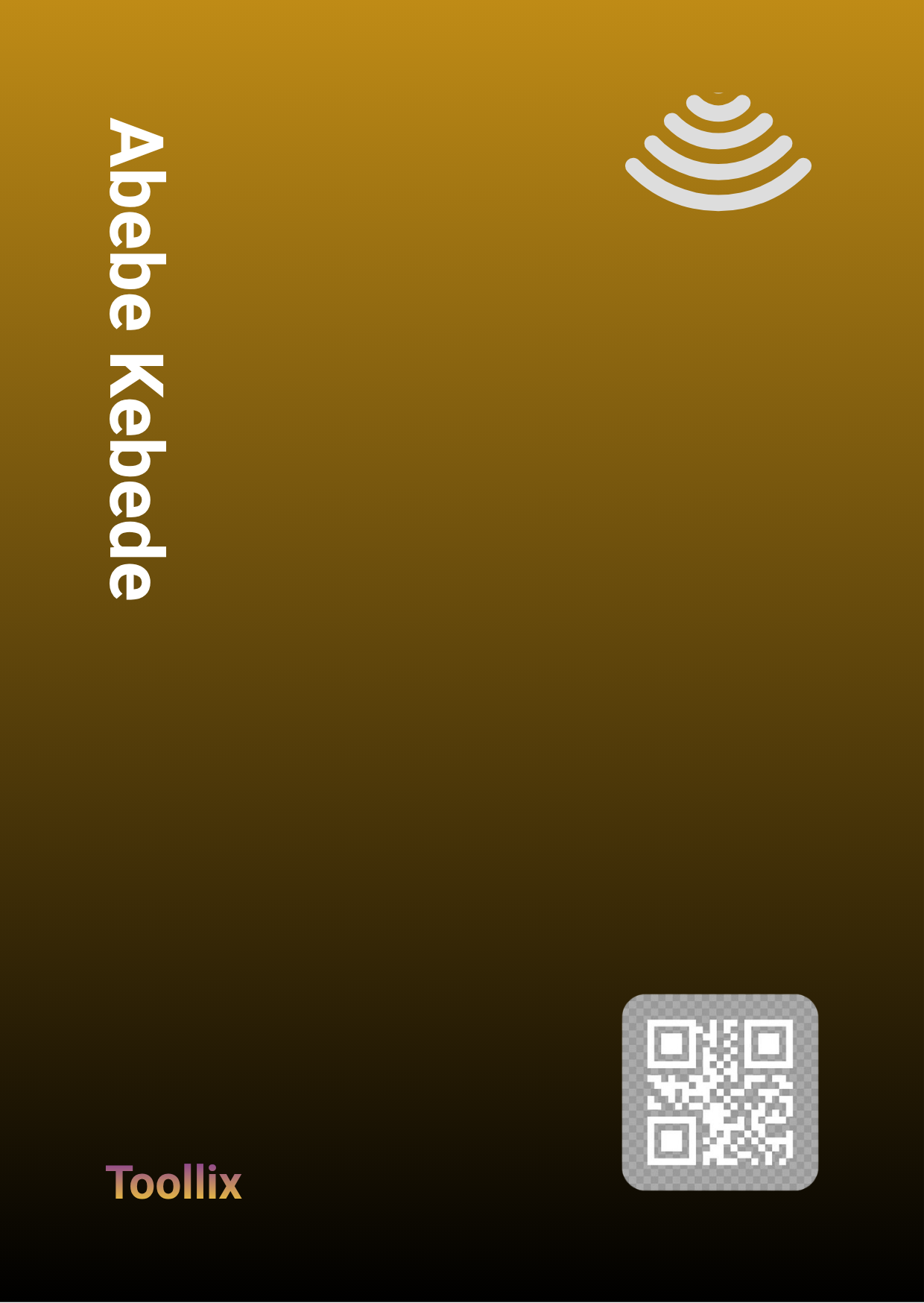
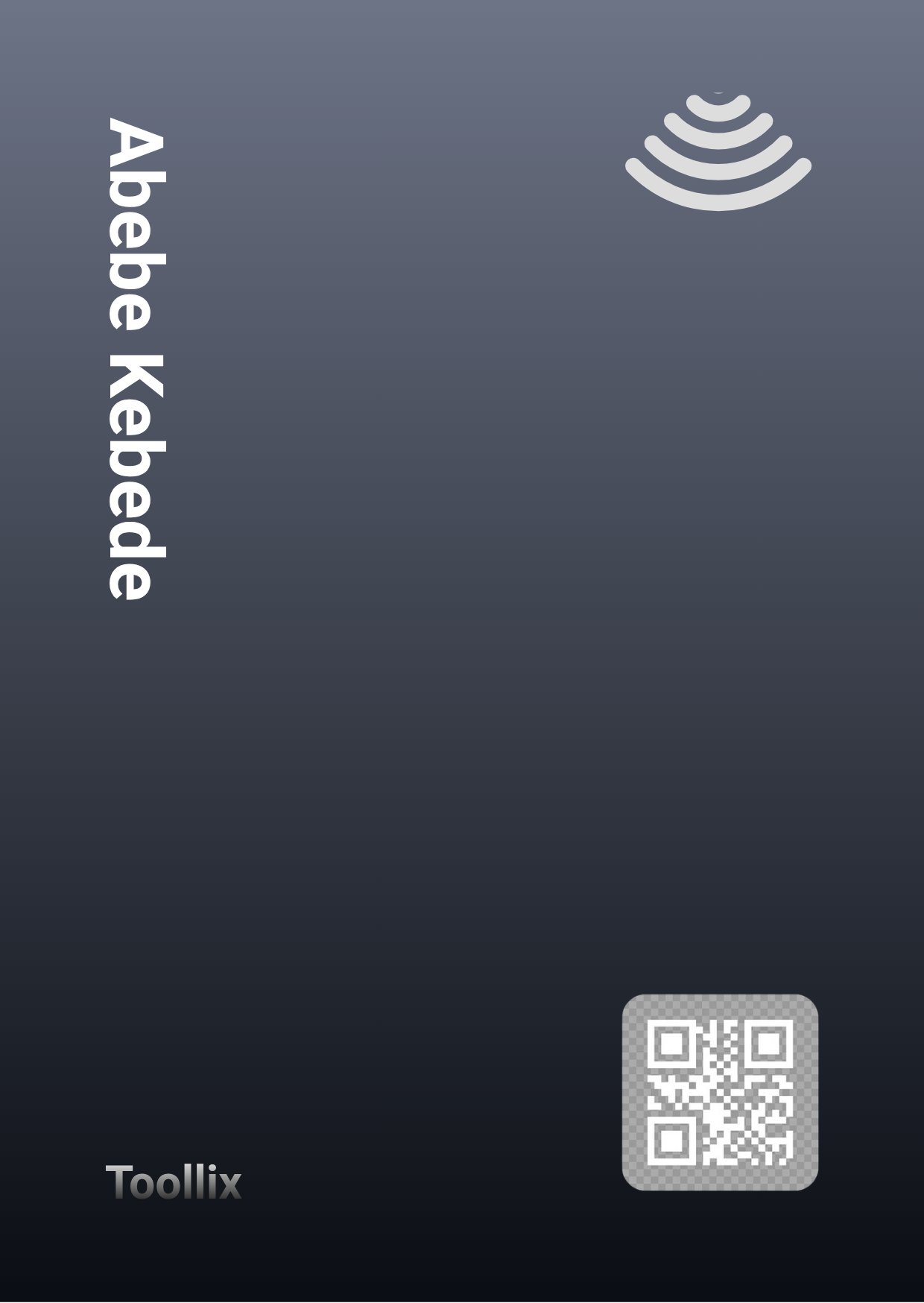
Trusted by 12,000+ professionals globally
Three simple steps to connect
No app required. Design your card, tap it on any modern phone, and instantly share your details.
Setup ProfileCreate Profile
Add your contact info, socials, and portfolio links to your digital hub.
Get Your Card
Order a custom physical NFC card or use a digital QR code instantly.
Tap & Share
Tap the card on any phone to instantly transfer your polished digital identity.
Everything you need, nothing you don't
Built for the modern professional with all the essential features perfectly crafted.
NFC Tap Technology
No apps required. Just tap your physical card to the back of any modern smartphone, and your full professional profile opens instantly in their browser.
Real-time Analytics
Track your networking success.
Beautiful Templates
Stand out with stunning profile designs.
Team Dashboard
Manage all employees effortlessly.
QR Code Fallback
Scannable QR codes for older phones.
Custom Branding
Fully customize the look to match your brand.
Ready to upgrade your network?
Join forward-thinking professionals who have replaced paper cards with a sustainable, modern identity. All prices in ETB.
See all plans → Full Pricing Page
Frequently Asked Questions
Everything you need to know about our NFC cards.
Do I need to reprogram my card if I update my info?
No! Your physical NFC card simply points to your dynamic online profile. Any updates you make on your dashboard are reflected instantly the next time someone taps your card.
Does it work on iPhone and Android?
Yes. Read functionality for NFC works identically out of the box on all modern iOS and Android devices without the other person needing to install any apps.
What if a phone doesn't have NFC?
Every physical card comes with a beautifully engraved custom QR code printed on the back. Older phones can simply scan it directly with their native camera.